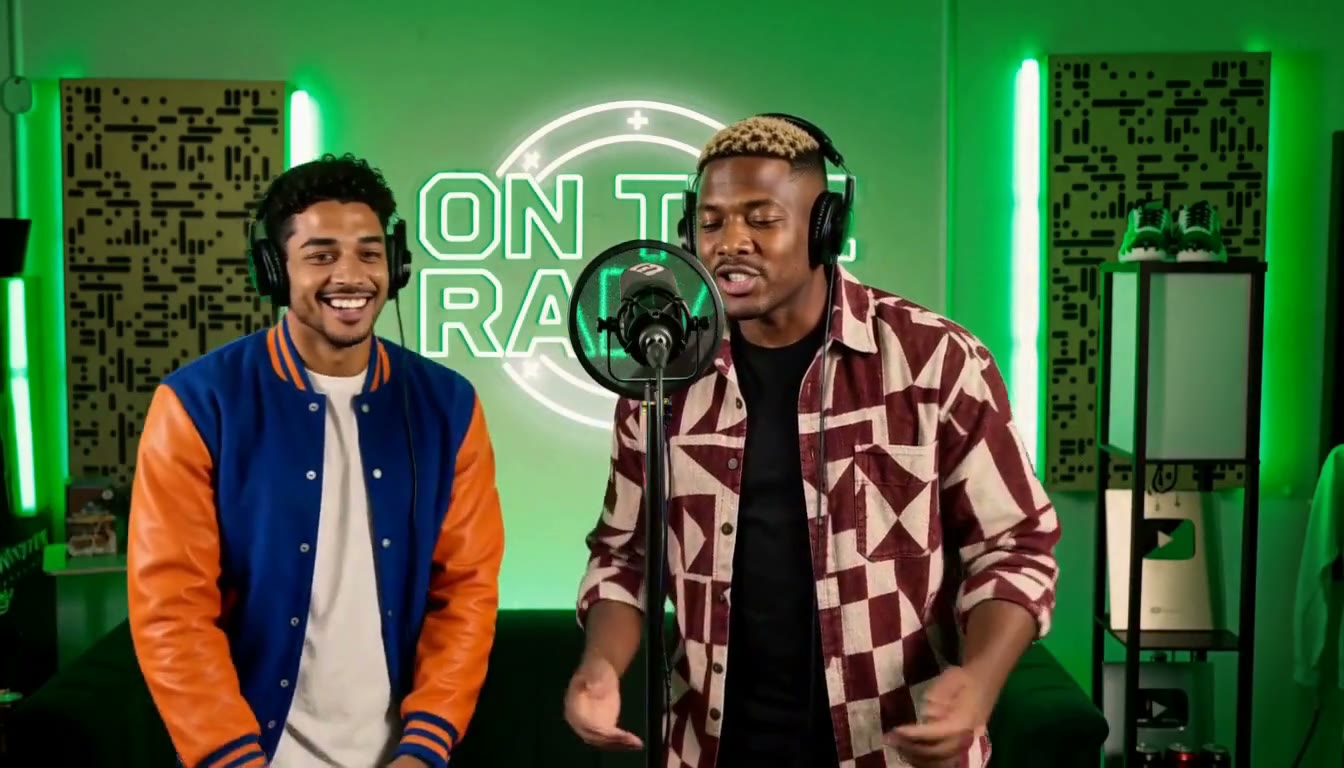
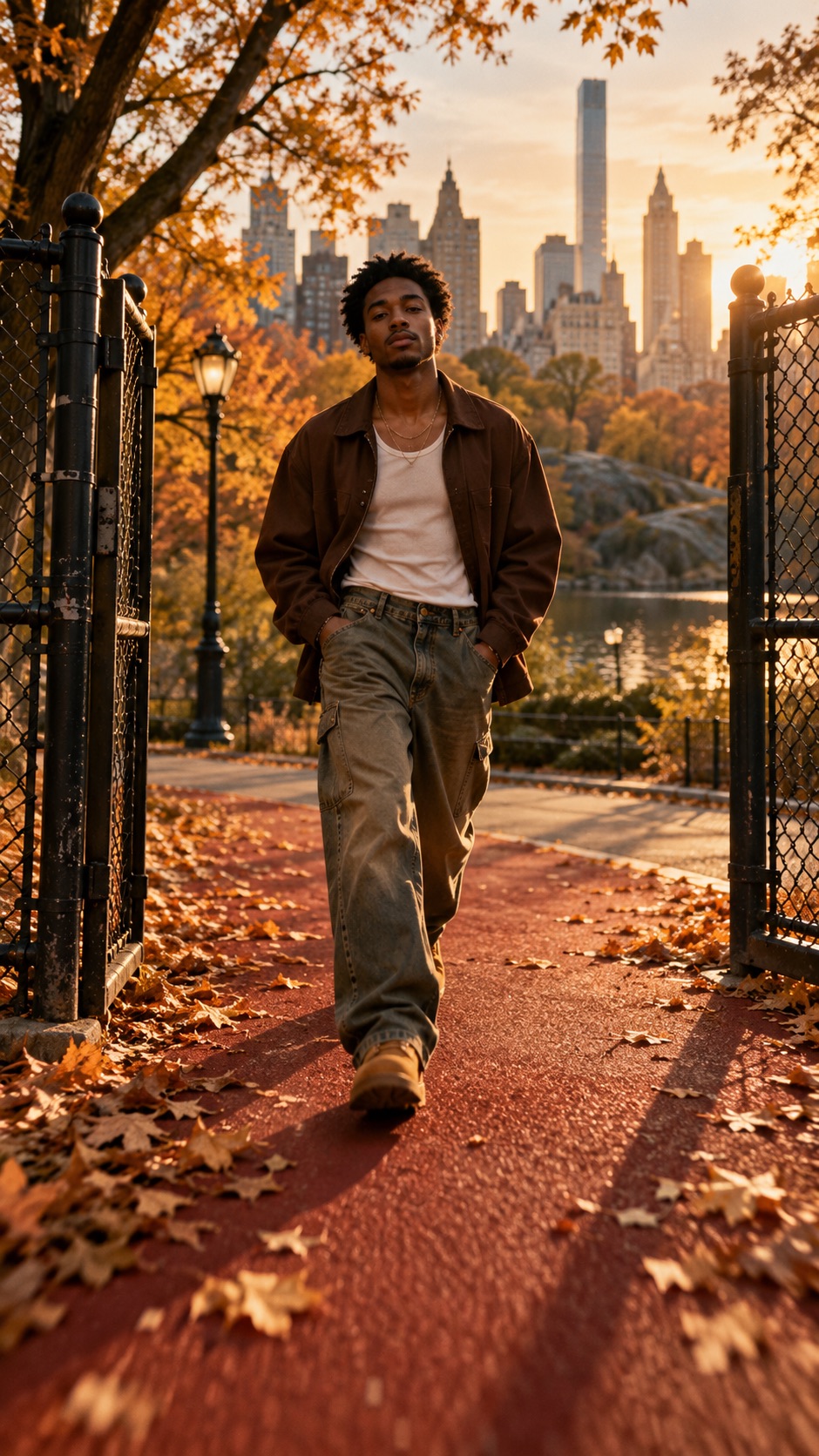
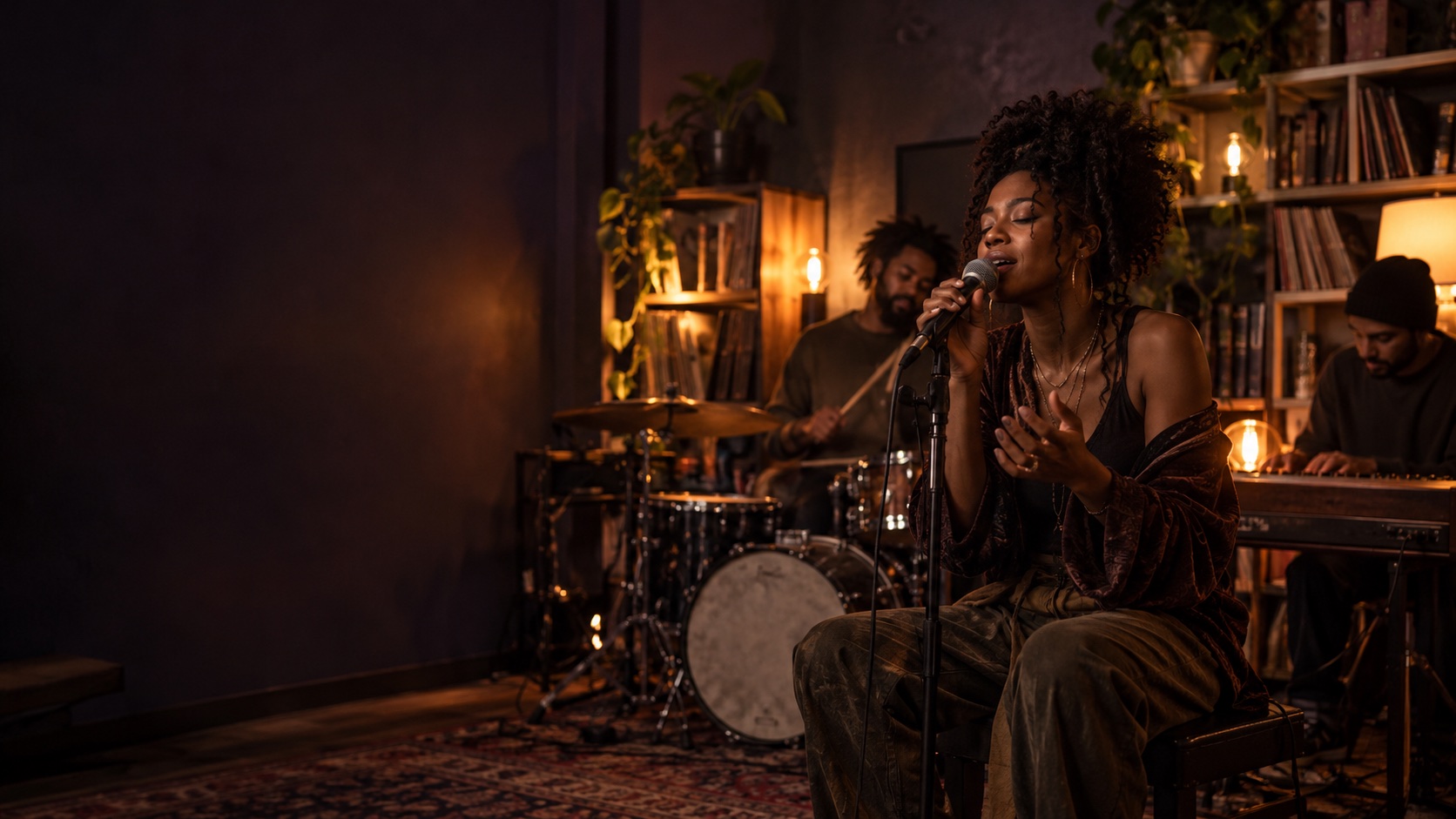
Midnight Doorbell Cypher
Your photo answers the beat.
Create this scene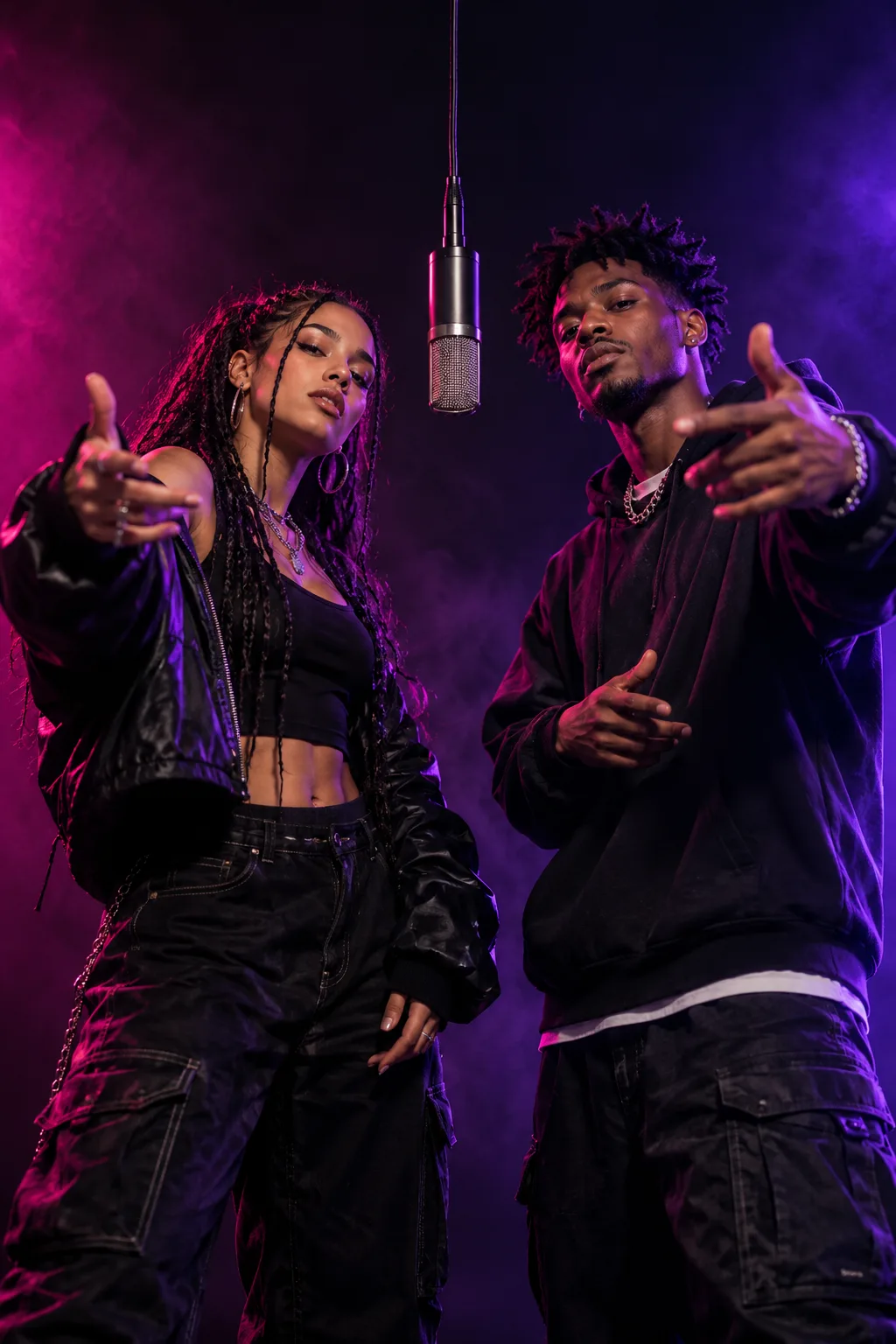
PHOTO TO PERFORMANCE
A photo, a scene and your story. Put yourself and your favorite people on the mic.
AI RAP VIDEO TOOLS
Explore photo-to-video performance scenes, from solo rap clips to two-person duets.
Your photo answers the beat.
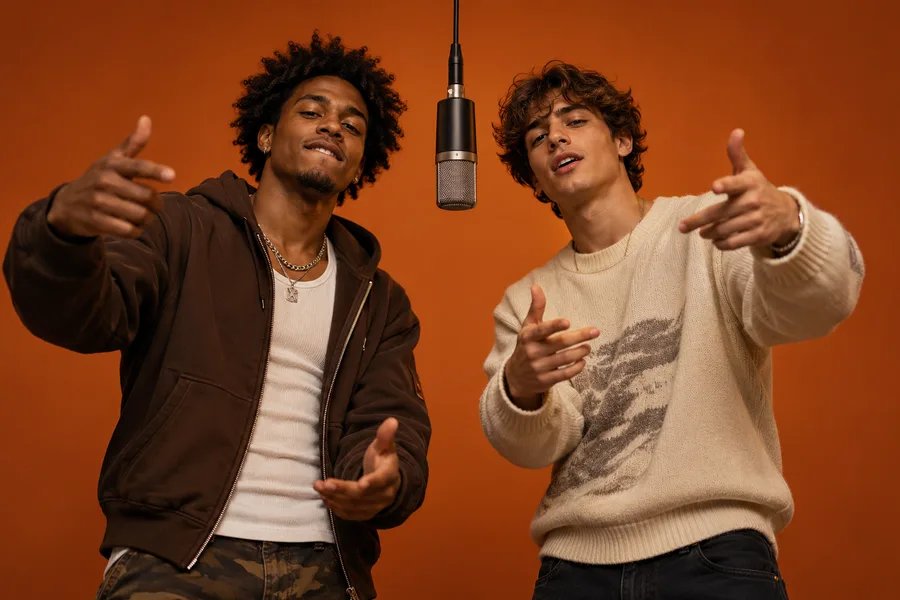
Create this sceneTwo photos. One mic. Your moment.
Create this sceneTake the lead in a street freestyle.
Create this sceneTake the mic. Bring a friend on sax.
Create this sceneTake the 679 booth performance together.
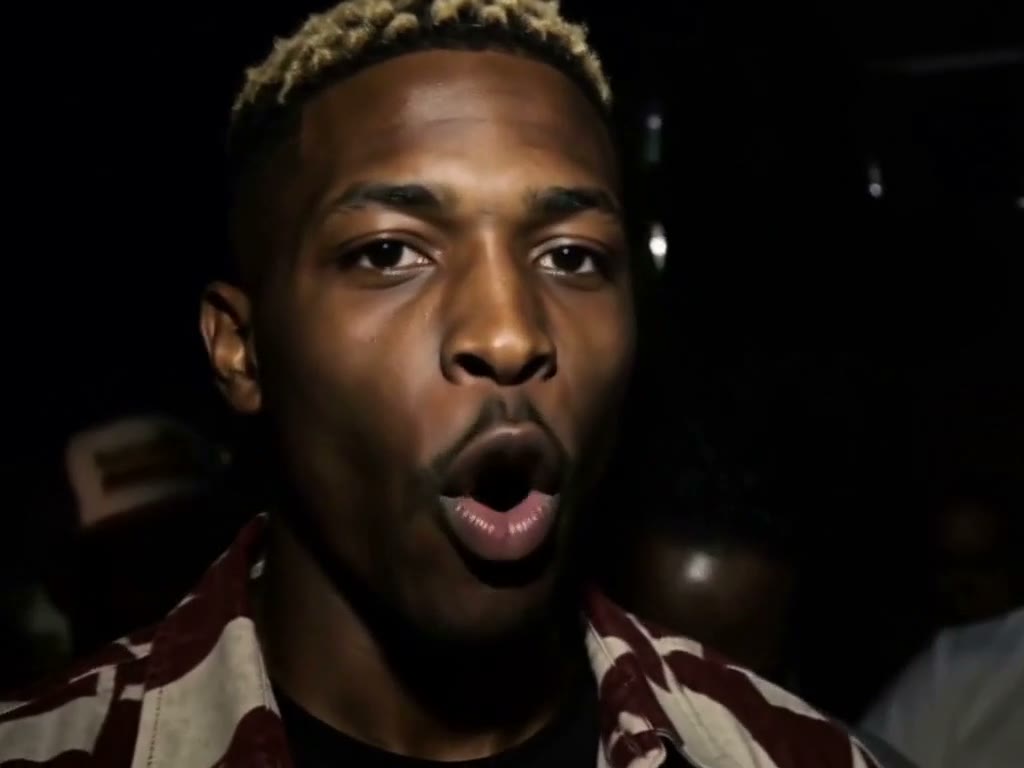
Create this sceneOne photo. The mic-check moment.
Create this sceneYour photo takes the lead.
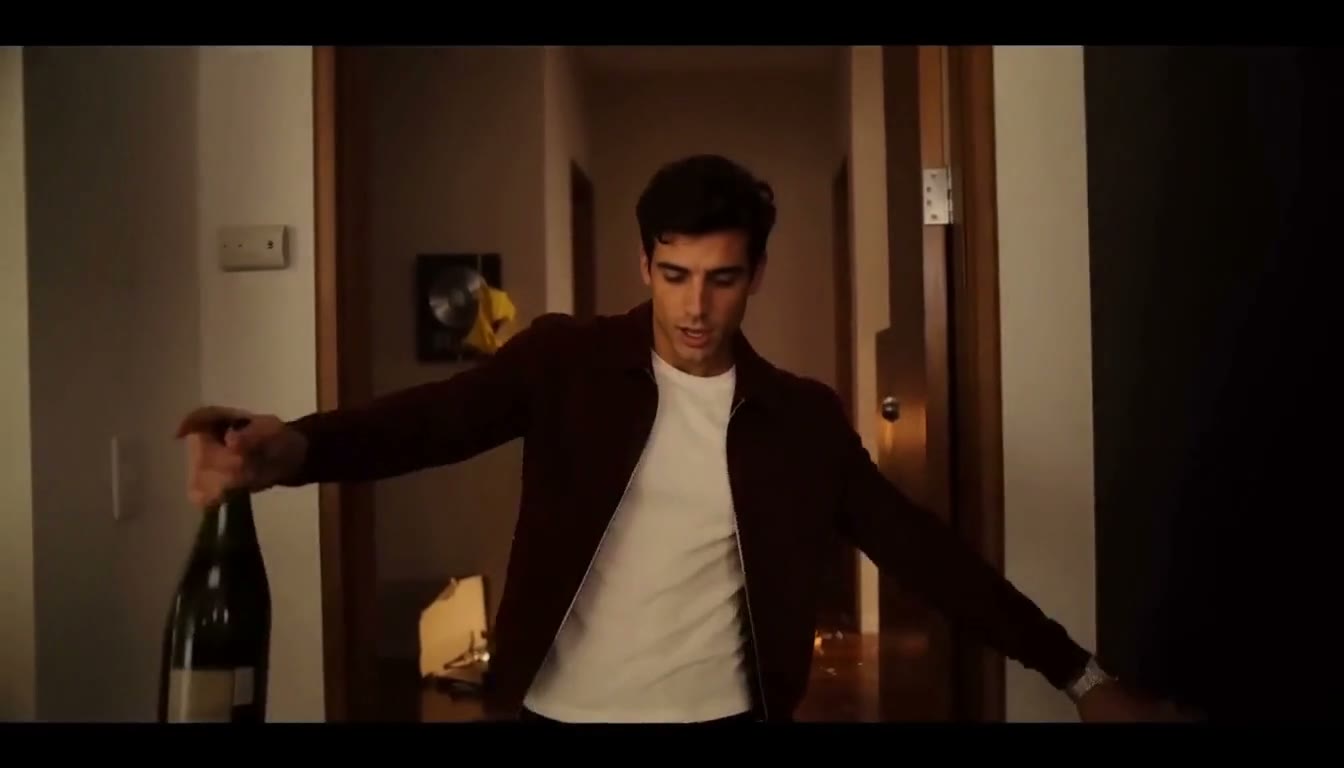
Create this sceneOne portrait. Main-character entrance.
Create this sceneFrom camera roll to center stage.
Pick a format and add your people to the performance.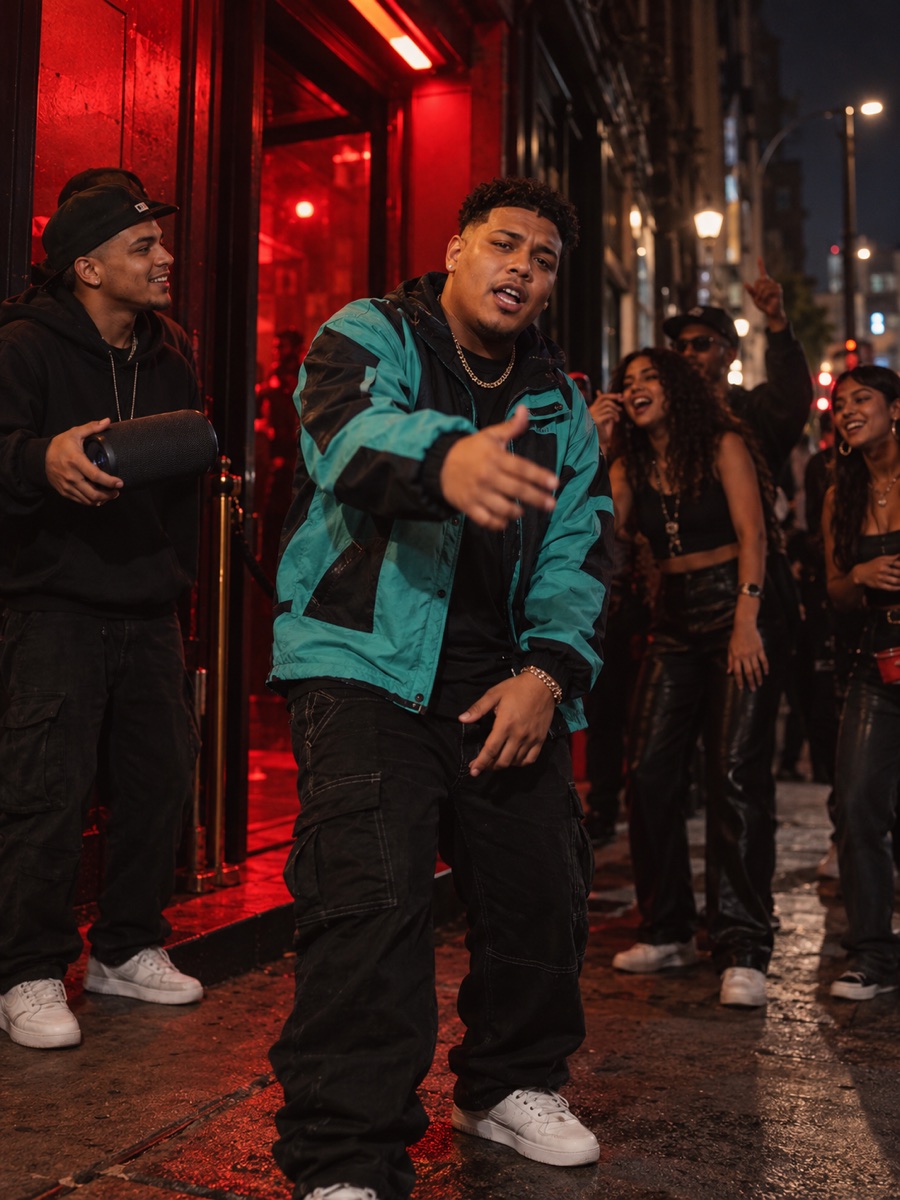
YOUR PEOPLE / YOUR STORY
Choose a performance style and bring your people into the moment.
Find your formatHOW IT WORKS
Choose a scene and add one or two photos in Studio.
Use clear portraits of people you have permission to animate.
Choose a duration, format and resolution, then review your video brief in Studio.
GOOD TO KNOW
It is a short AI performance video that puts people from your photos into a rap scene. Each format has its own visual and sound style.
Yes. Duo features are designed around one clear photo per performer. Solo formats can start with one photo.
Yes. Explore On The Radar, Check One Check Two and Fergie Baby Walk alongside Hotel Lobby, Bulin 47 and Tiny Desk AI.
Your photos guide the people who appear in the performance. Each feature page explains its own format and photo requirements.
The number of credits depends on duration and resolution. The exact amount is shown before generation, reserved on submission and used on completion. Confirmed failures return it. Check the pricing page for current pack availability.
Choose a scene and add your photos to create a video.
YOUR NEXT VIDEO STARTS HERE