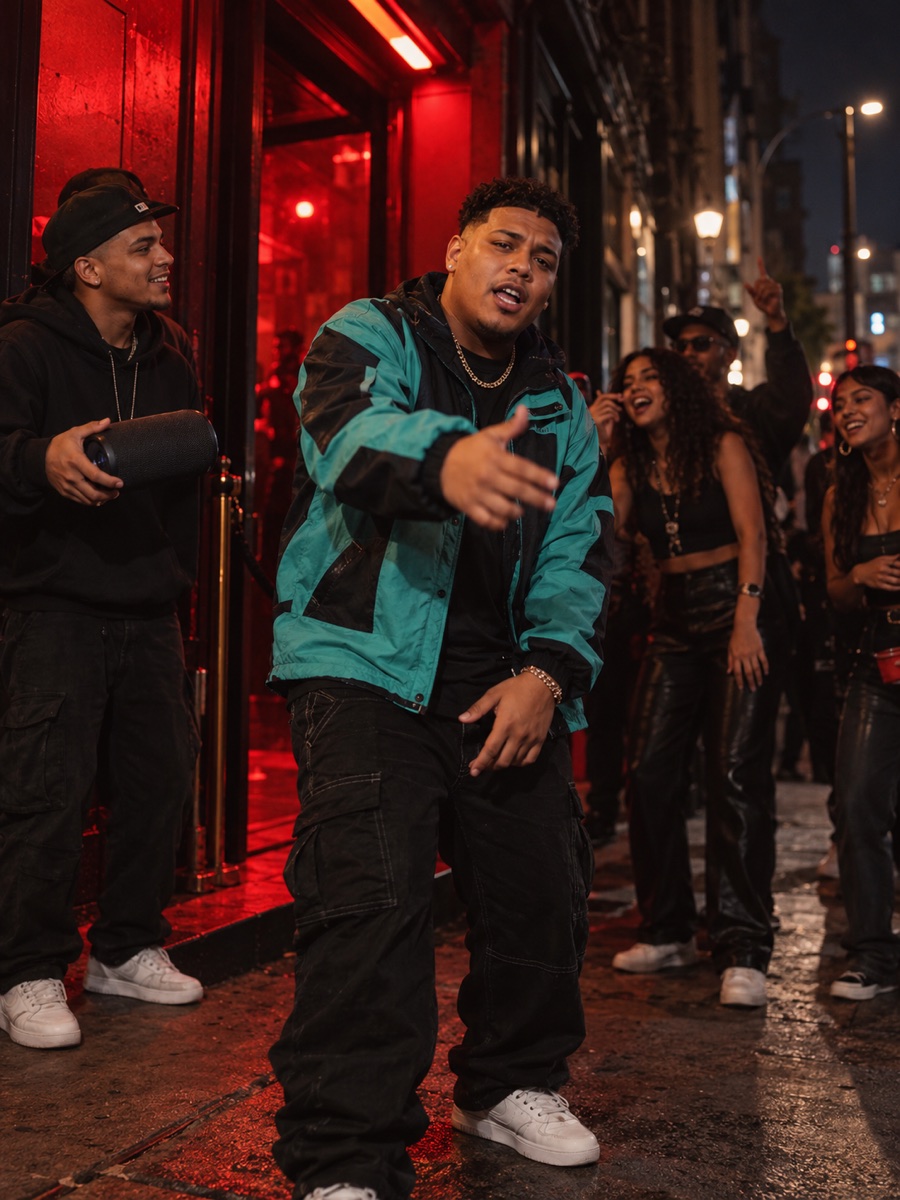
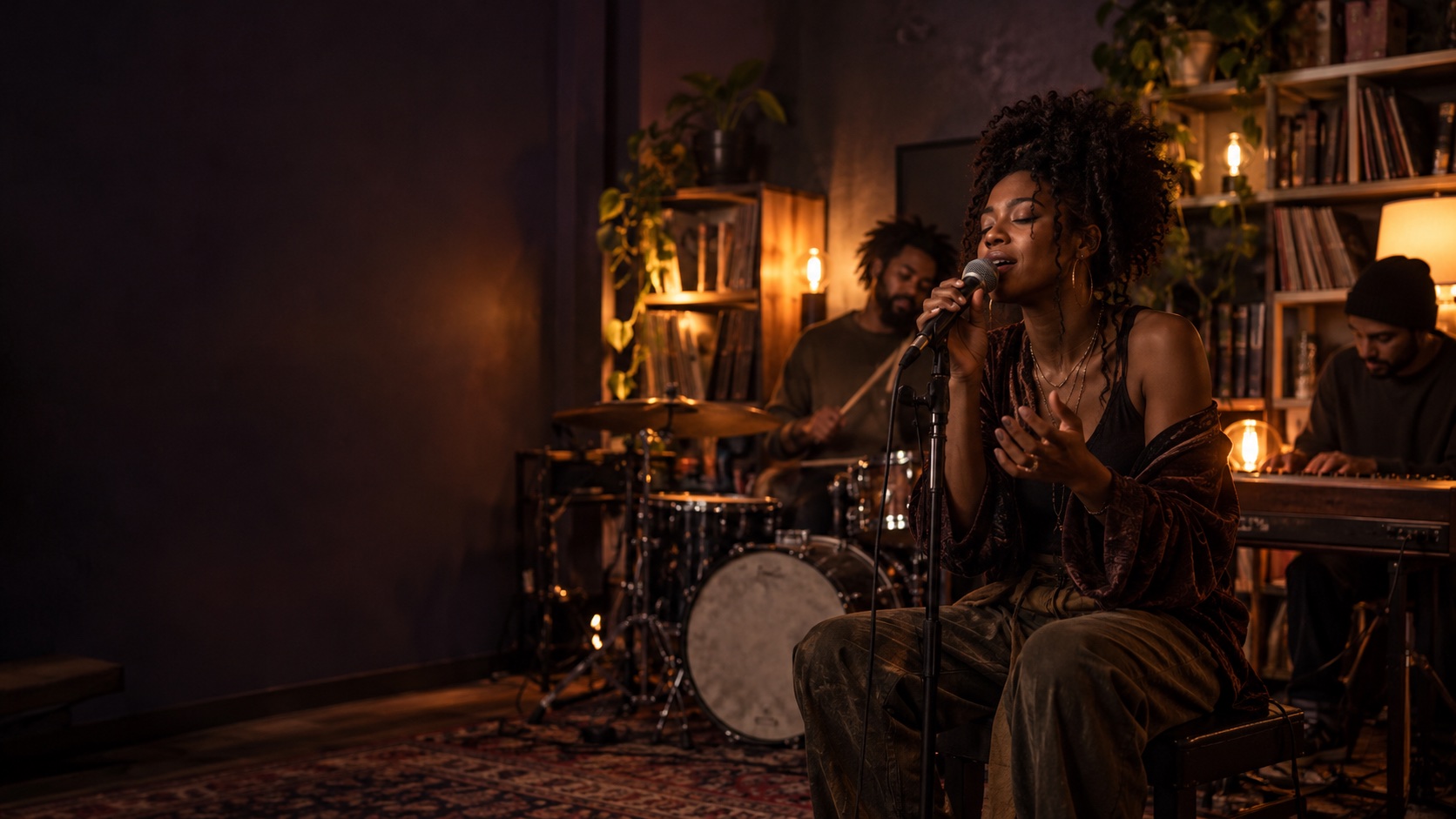
A rap with a friend
Use two portraits so you and a friend share the duet.
AI VIDEO GENERATOR
Put two people in a warm orange booth and let them share the moment at one hanging mic.
Hotel Lobby AI
Hotel Lobby AI follows the Hotel Lobby trend: two people share a warm studio frame and take turns at one hanging mic. Add two portraits to make your own Hotel Lobby rap performance.
IDEAS TO TRY
Start with the version that fits the people in your photos.
Use two portraits so you and a friend share the duet.
Use two portraits to make a playful back-and-forth rather than a solo performance.
Share the resulting duet with someone you want to surprise.
THE FORMAT
Hotel Lobby AI brings two portraits into a warm duet: both people share the frame and take turns at one hanging mic, with a back-and-forth rap rhythm.
In the clip
Two separate portraits become one side-by-side performance.
The hanging microphone anchors the orange studio scene.
The two performers take turns in the duet.
HOW IT WORKS
Use one clear portrait per performer.
Your photos guide who appears in the scene.
Review the brief, then render with beta access.
THE FORMAT
Two people, one hanging mic and an orange booth define the scene. Your photos bring your chosen people into the performance.
Your photos guide who appears in the scene.
The visuals and sound have a live performance feel. Generated details may vary.
PHOTO GUIDE
Use one clear, front-facing photo per person. Similar framing helps the duo feel natural.
Tiny faces, heavy filters, sunglasses and photos you do not have permission to use.
FAQ
Hotel Lobby AI brings two portraits into a warm duet: both people share the frame and take turns at one hanging mic, with a back-and-forth rap rhythm.
This scene needs two clear portraits, one for each performer. For a solo video, try Bulin 47 AI.
Rapframe is an independent creation tool and is not affiliated with the artists or owners behind the trend.
Two people. Use one clear, front-facing photo per person. Similar framing helps the duo feel natural.
Custom lyrics and music are not currently supported for these scenes.
You can prepare a video brief in the local preview. Rendering requires an enabled Rapframe account and credits. See pricing for current pack availability.
KEEP EXPLORING