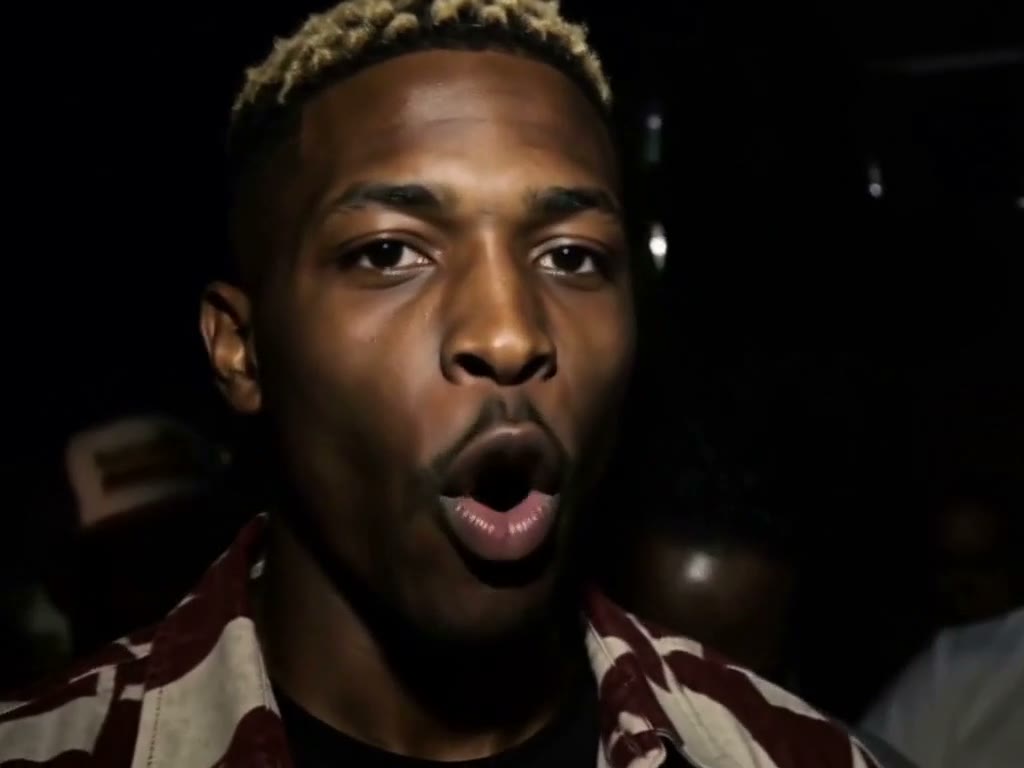
Best-friend duet
Cast two friends in the lead and response roles.
AI VIDEO GENERATOR
Put two people in the green 679 booth, each at their own mic, and follow their duet through the camera cuts.
On The Radar AI
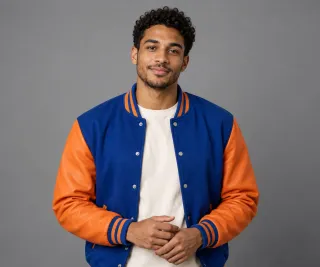
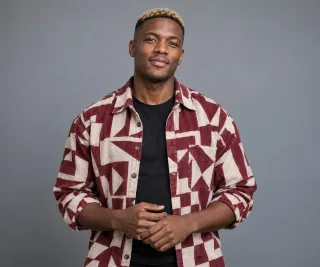
This tool places two people in the green 679 booth. Add one clear portrait for each microphone role; the camera moves between both performers.
IDEAS TO TRY
Start with the version that fits the people in your photos.
Cast two friends in the lead and response roles.
Keep both faces distinct in the same booth shot.
Plan a short recognizable 679-style clip before sharing.
THE FORMAT
Two microphones, a green booth and alternating camera shots shape the 14-second performance.
In the clip
Each photo stays with one performer throughout the duet.
Both performers keep their positions as the camera moves through the green booth.
The finished clip includes the sound of the performance.
HOW IT WORKS
Photo 1 takes the first microphone role; Photo 2 takes the second.
Two microphones, a green booth and alternating camera shots shape the 14-second performance.
Create your 14-second booth video in portrait or landscape format.
THE FORMAT
Each portrait keeps its assigned role across the duet. This scene has no field for writing new lyrics.
Your photos guide who appears in the scene.
The visuals and sound have a live performance feel. Generated details may vary.
PHOTO GUIDE
Use one clear portrait for each person, with faces fully visible and similar lighting.
Tiny faces, heavy filters, sunglasses and photos you do not have permission to use.
FAQ
Two clear portraits, one for each microphone role.
Photo 1 takes the first performer role and Photo 2 takes the second.
No. This scene has no lyric-topic field.
14 seconds in portrait or landscape format.
KEEP EXPLORING